
NFC Google Review Plaque
Turn happy customers into 5‑star Google reviews
Customers tap their phone on the plaque and your Google review page opens instantly. No app, no QR code hunting — just more reviews.
Packs of 5, 10 or 20 — as low as $10 per plaque
- No app needed
- Works with iPhone & Android
- Waterproof acrylic
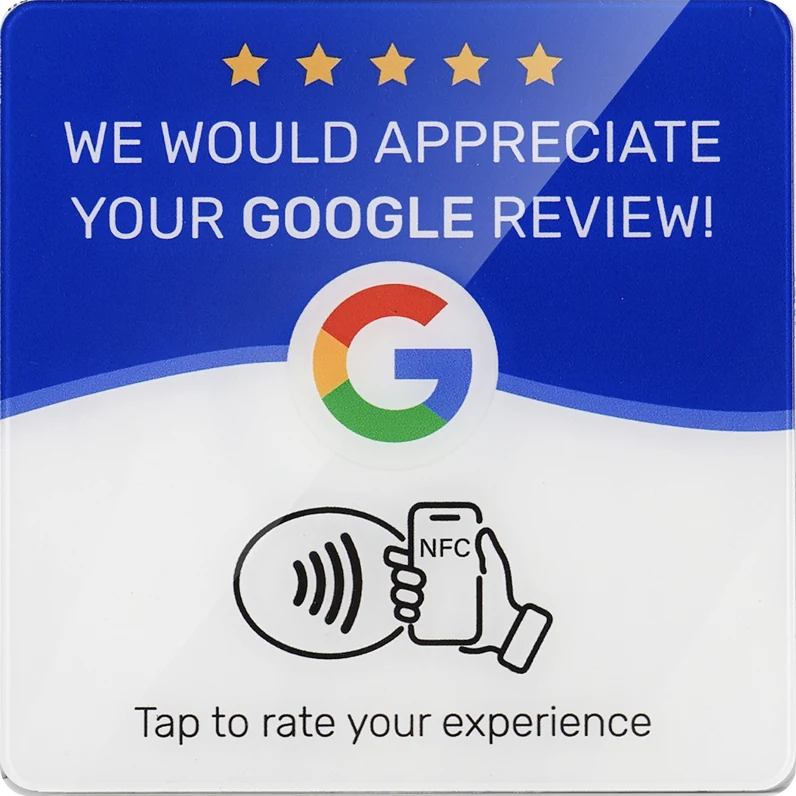
Pricing
Pick your pack. Buy more, pay less per plaque.
Every pack includes the same premium acrylic plaques. Bigger packs bring the price per plaque down, so it's easy to cover every table, counter and door.
Blank, programmable NFC chips — add your Google review link in about a minute with any free NFC app.
How it works
Tap, open, review. That's it.
Your customers don't need an app, a QR scanner or a search bar — just the phone already in their hand.
-
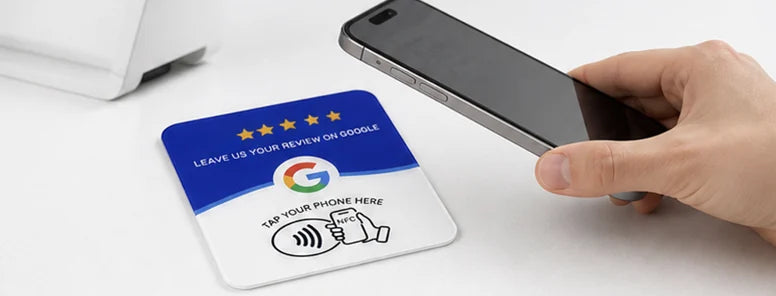
Tap
Your customer holds their phone near the plaque — no app to open, nothing to scan.
-

Open
Your Google review page opens instantly in their browser.
-

Review
They pick a star rating, add a few words and hit submit. Done in seconds.
One-time setup, about a minute
Before the first tap, write your Google review link to the plaque with a free NFC app like NFC Tools. Stick it on your counter, table or door — and you're done.
Built to last
Premium acrylic. Genuine NFC. Made for busy counters.
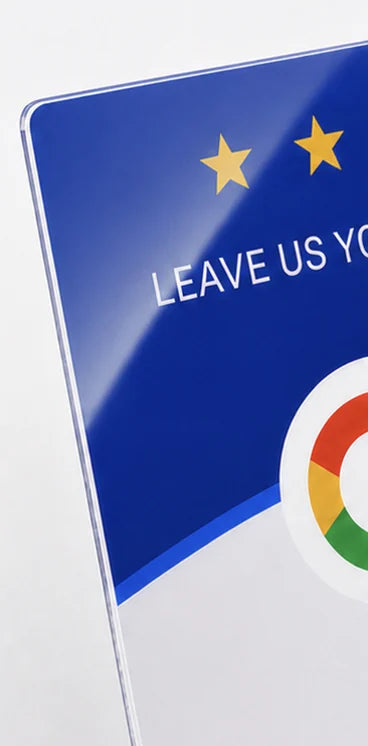
Every plaque is built in four layers so it looks sharp on day one and keeps working through spills, wipes and thousands of taps.
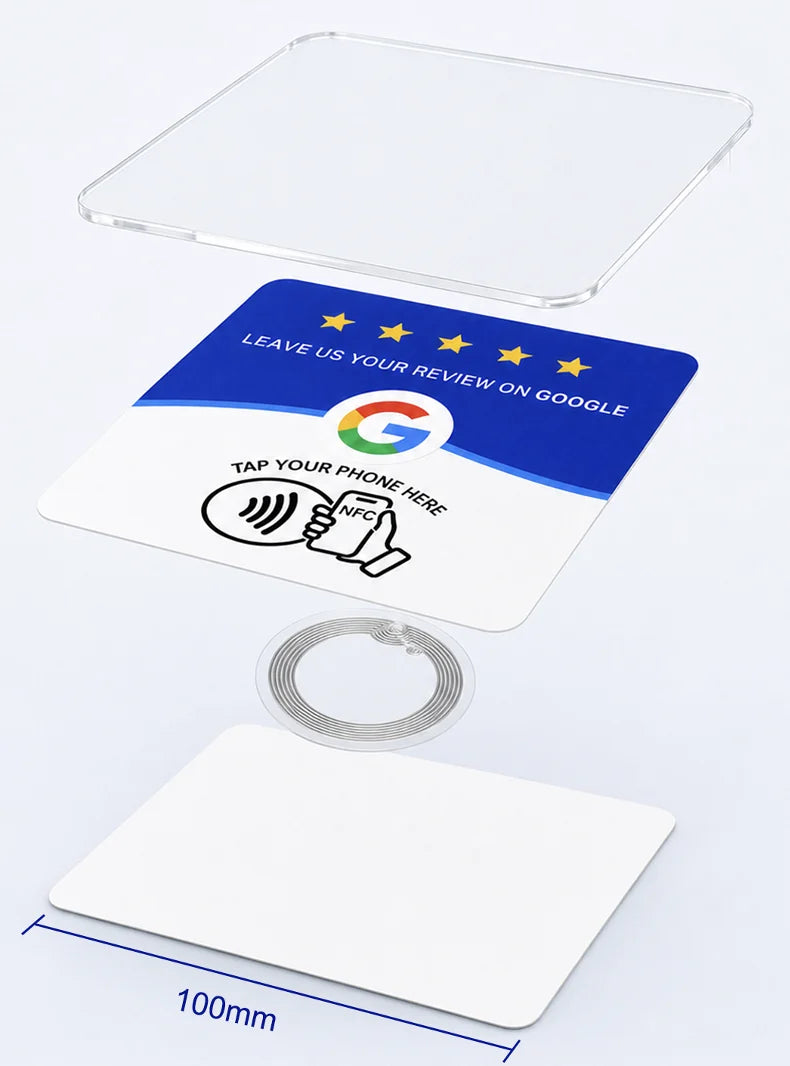
4 layers, one clean plaque
- 1 mm clear acrylicRigid, glossy and crystal clear — protects the print underneath.
- Printed graphicBright, sharp colors that tell customers exactly where to tap.
- Genuine NFC215 chip540 bytes, blank and programmable with any free NFC app.
- Full-surface adhesiveSticks flat to counters, tables, glass and walls.
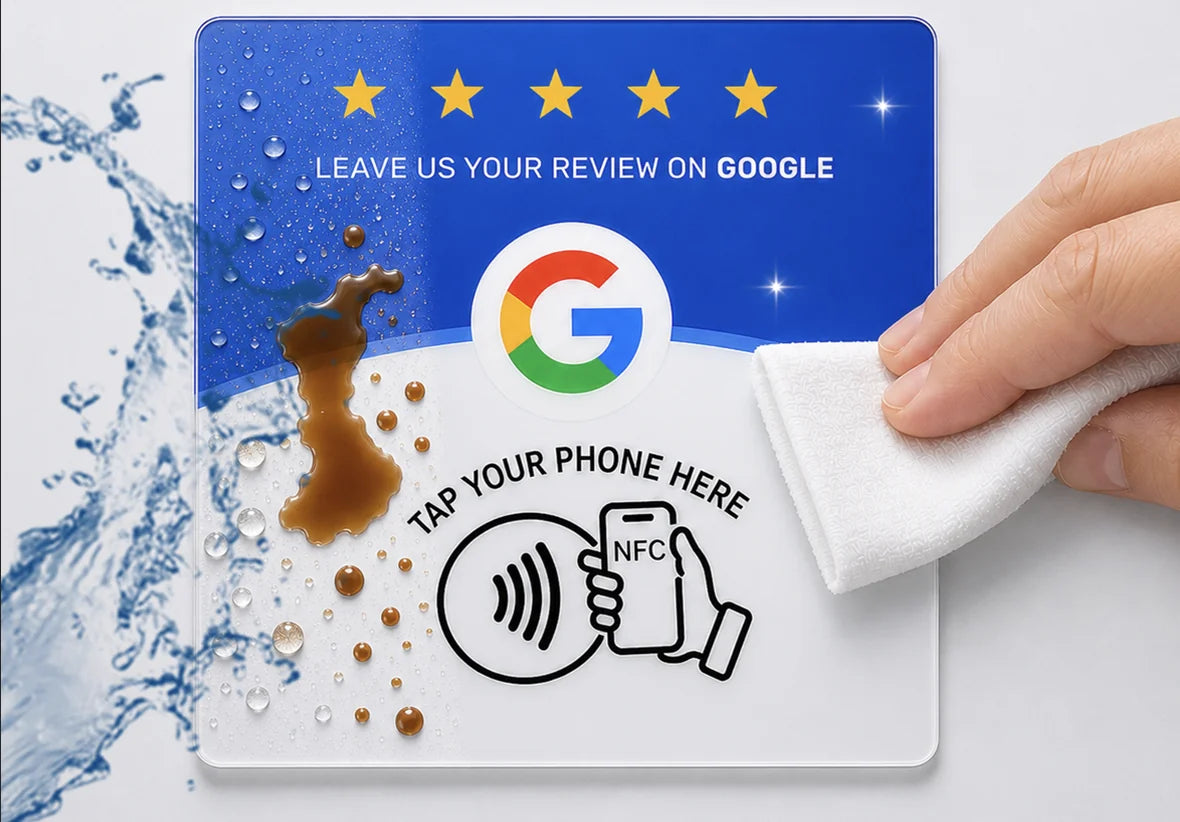
Waterproof & wipe-clean
Coffee, water, sticky fingers — one wipe and it's spotless.
Why acrylic?
Thin PVC cards look cheap and bend. Epoxy stickers glare under lights. High-clarity acrylic gives you a crisp, rigid, polished finish.
-

PVC card
Matte · Thin · Flexible
-
 What you get
Premium acrylic
Clear · Rigid · Refined
-

Epoxy sticker
Raised · Glossy · Heavy glare


FAQ
Questions? We've got answers.
Everything you need to know about setting up and using your NFConnect plaques.
Still have a question?
Get in touchHow do I set up my plaque?
It takes about a minute, and you only do it once per plaque:
- Install a free NFC app such as NFC Tools (iPhone or Android).
- Tap Write → Add a record → URL and paste your Google review link.
- Tap Write and hold the top of your phone against the plaque until it confirms.
Test it by tapping the plaque with your phone — your review page should open.
Where do I find my Google review link?
Sign in to your Google Business Profile (or search your business name on Google while signed in as the owner), then choose Ask for reviews / Get more reviews and copy the link it gives you. That's the link to write to your plaque.
Do my customers need an app?
No. Your customers just hold their phone near the plaque and your review page opens in their browser. The app is only for you, once, during setup.
Which phones does it work with?
Most modern smartphones. iPhone XS and newer read the plaque automatically, and most Android phones do as long as NFC is turned on. Older iPhones (7 to X) can use the NFC reader in Control Center.
Can I change the link later?
Yes. The chip is rewritable, so you can write a new link anytime with the same app. The only exception is if you choose to lock the chip in the app — locking is permanent, so we recommend leaving it unlocked.
How do I attach it?
Each plaque has a full-surface adhesive back. Wipe the spot clean and dry, peel, and press firmly for a few seconds. Counters, tables, walls, glass and doors all work well. Avoid sticking it directly onto metal, which can block the NFC signal.
Can I use it for something other than Google reviews?
Yes — you can write any web link to the chip, such as your website, menu or social page. Keep in mind the printed design asks customers for a Google review.
Are there any monthly fees?
No. It's a one-time purchase. There's no subscription, no account and nothing to renew.
Which pack should I choose?
The 5-pack suits a single counter or small shop. The 10-pack covers a few tables or a couple of locations. The 20-pack is the best value at $10 per plaque — ideal for placing one on every table, at every register, or across multiple locations.